April 13th, 4 PM. The first version of the dream-works showcase site was deployed. I opened the page and took one look:
“This design is too loose. Not tight enough.”
The design problems from the last episode were still there — inconsistent colors, random spacing, no coherent typography. The page was auto-generated inside an OPC Loop, each subagent making decisions according to its own understanding, with no unified design constraint governing them.
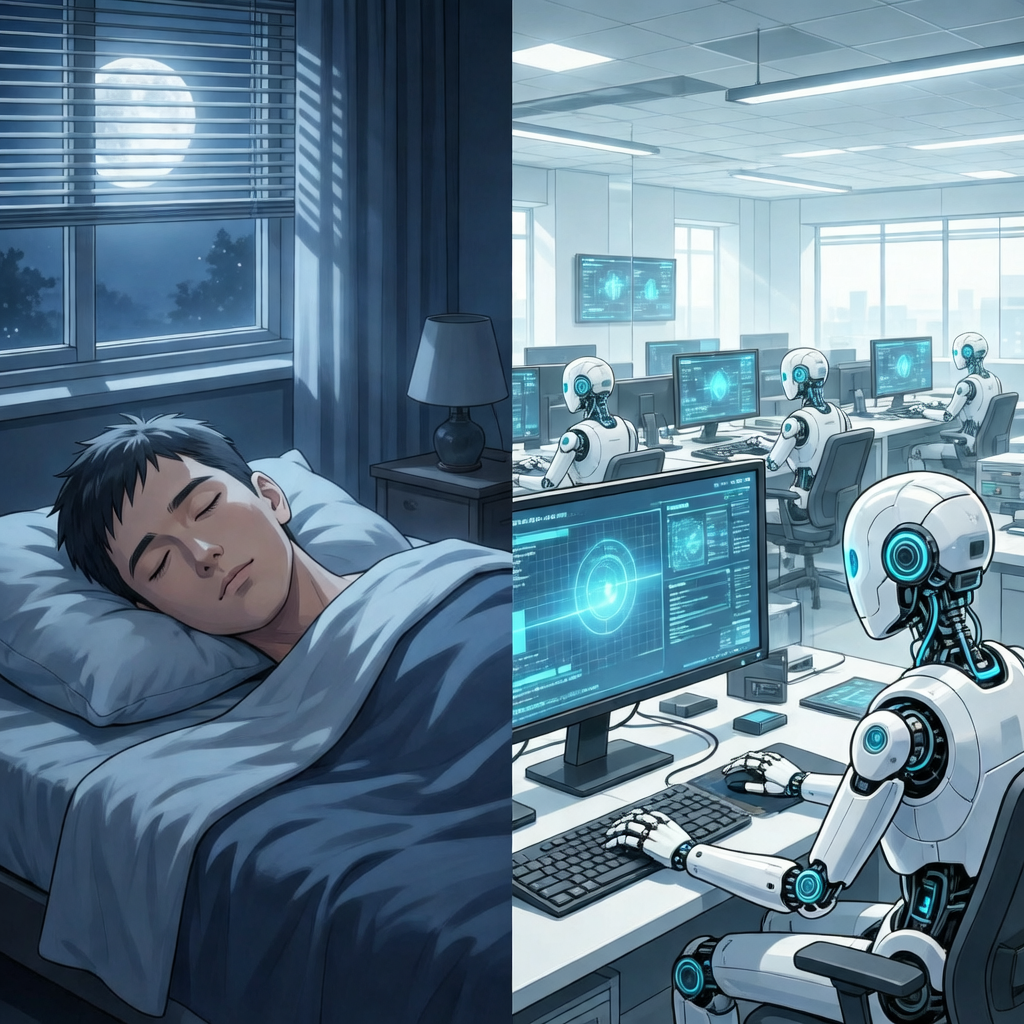
Then I made an unusual decision: instead of fixing things one by one, I launched OPC’s tick-based loop, set a scheduled task (cron) to trigger every 30 minutes, told AI “keep improving according to these standards.”
Then I went to bed.
What Is a Tick-Based Loop
Imagine a dishwasher. You load the dirty dishes, set the program, press start. You don’t need to watch — it washes, rinses, dries, and stops when done.
A tick-based loop is AI’s dishwasher mode. Each “tick” is an independent work cycle:
- Read the state file — understand where the last round left off
- Decide what to do next
- Execute one small step
- Update the state file
- Exit, wait for the next cron trigger
Each tick is an independent session, not limited by the context window. Even if one tick fails, the next can recover from the state file. This solves AI’s biggest hard constraint — when context runs out, you have to start over.
The Truth About the Overnight Run
Starting at 4 PM, the scheduled task triggered every 30 minutes. By 10:30 PM when I checked back, AI had been running unsupervised for 6.5 hours — counting the subsequent human intervention and continued execution, the entire loop ran for close to 8 hours total.
Sounds great, right? But the data tells a different story.
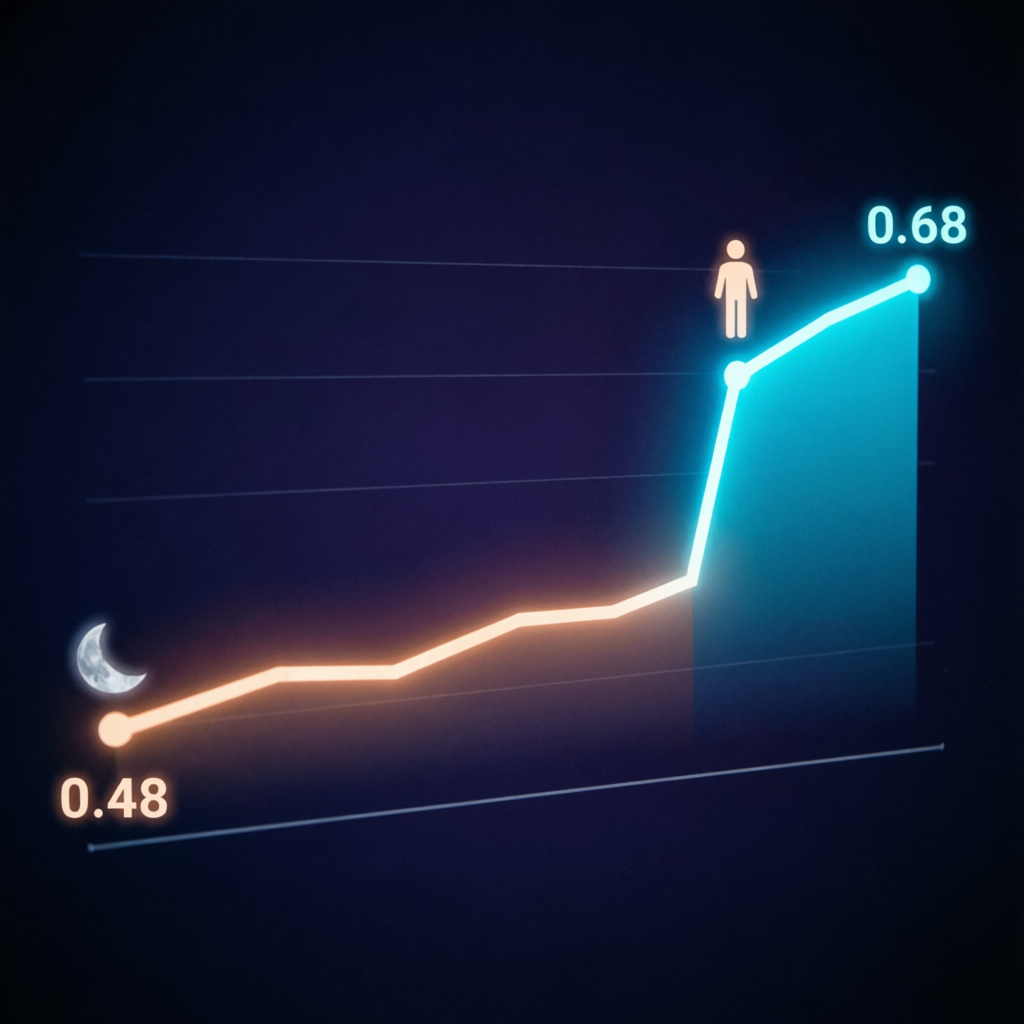
From tick 5 to tick 9, the quality score was 0.487 across the board. Preview content was identical — AI was doing the same thing over and over. It was either stuck on something or repeatedly doing work it had already completed.
Without a human present to correct course, AI will spin in the wrong direction. Each tick runs independently, but if the state file’s goal definition isn’t precise enough, AI will repeat similar actions without knowing it already did them.
At 10:30 PM, I came back. Looked at AI’s output, spotted several issues: it had created a .harness-dw directory on its own (nobody authorized that naming convention); CSS had been modified dozens of times but kept oscillating between “too loose” and “too tight.”
Then I gave one piece of feedback: “Landing page is too loose, image sizes need to be uniform, image on top text below, fit the frame.”
Score jumped from 0.487 to 0.68.
One sentence. 6.5 hours versus one sentence.
14 Hours to Build Logex
But this doesn’t mean loops are useless. The next day’s experiment proved otherwise.
April 14th, I launched another loop — this time with a clearer goal: build a product called Logex. Acceptance criteria were specific: article list, Markdown rendering, left sidebar navigation, sharing functionality, all end-to-end tests passing.
Then went to bed again.
This time the results were much better. Throughout the overnight phase (8 hours), the quality score held steady around 0.58. Not high, but stable. AI didn’t get stuck anywhere — it continuously, incrementally implemented features one by one.
Next morning, the UI was basically in shape. Six more hours of corrections and finishing touches. Total: 14 hours, Logex went from zero to usable.
What Made the Two Experiments Different
Why did the first loop stall at 0.487 while the second held at 0.58?
The difference was the nature of the task.
The first task was “improve the design” — an open-ended goal requiring aesthetic judgment. What does “not loose” mean? What does “tight” mean? AI has no frame of reference. It can mechanically adjust spacing, but it doesn’t know if the result looks good. Each tick made adjustments, but no objective standard told it “that’s enough.”
The second task was “implement this feature list” — a closed, verifiable goal. The article list either displays or it doesn’t. Markdown rendering is either correct or it’s not. Each tick completed a specific feature, the state file recorded “what’s still left,” and the next tick continued.
AI excels at incremental polishing. It struggles with creative leaps.
What’s incremental polishing? Taking a feature from “doesn’t work” to “works.” Fixing a known bug. Implementing a clear requirement. These all have objective completion criteria, and tick-based loops can converge step by step.
What’s a creative leap? Glancing at a page and saying “too loose” — that judgment encompasses aesthetics, experience, and understanding of user psychology. AI doesn’t have this ability. It can execute “change spacing from 24px to 16px,” but it can’t independently discover “this should be tighter.”
That’s why the score stalled at 0.487 for 6.5 hours but jumped to 0.68 after a human came back and said one sentence. That sentence had more information density than all of AI’s commits over 6.5 hours combined.
The Quality Ceiling
Later, in another project (Project P), we validated the same conclusion.
Baseline: 67%. After 12 ticks of loop optimization, score reached 71.9% — a 4.9 percentage point increase. Sounds good? But analysis showed this was already 94% of the theoretical maximum. Further prompt tuning had ROI approaching zero.
What would a real breakthrough require? Not more ticks, but structural change — better rubrics, upgraded base templates, redesigned delegation logic. None of these could be done inside the loop — they required stepping outside the loop for perspective.
This reminded me of a metaphor: a loop is like a river. Water automatically flows downhill, finding the locally optimal path. But water doesn’t dig a new riverbed on its own — that takes an excavator, someone standing in front of a map looking at the big picture.
What Loops Are Good For
After running dozens of loops, I distilled the boundaries:
Good for: Clearly defined, verifiable batch tasks. Pure execution work — code changes, test fixes, style adjustments. Tasks with clear done criteria. Key trait: you can write a precise definition of “finished.”
Not good for: Work requiring architectural decisions. UI design requiring aesthetic judgment. Exploratory work where you don’t even know the goal. Key trait: the definition of “finished” requires human judgment.
The biggest gain isn’t “AI is faster” — it’s “AI uses the human’s offline hours.” From 8 effective working hours per day to 22 — the remaining 14 hours, AI handles the things you’ve clearly defined.
Like a dishwasher. It doesn’t wash better than you. But while you’re sleeping, the dishes are done.
Silicon Workforce S1: The OPC Framework Evolution Previous: Growing a Skeleton for the Framework <- Next: $92 Bought a Product ->