
12:25 AM. I stared at the freshly deployed page and asked a very direct question:
“Do you really think this design looks good?”
It didn’t. Inconsistent colors, random spacing, no discernible pattern in font sizes. This wasn’t a single component’s problem — it was the absence of a coherent design language. The page was auto-generated inside an OPC Loop, with each subagent making decisions according to its own understanding, with no unified design constraint governing them.
OPC needed design lint. But design lint shouldn’t be hardcoded into OPC’s core — not every project needs it. Some projects are backend APIs with no UI at all.
This raised a bigger question: How do you let others add capabilities to OPC without letting them break the core?
The Temptation of a Plugin System
When your framework starts getting users, the first impulse is to build a plugin system. WordPress has plugins, VS Code has extensions, Chrome has add-ons. Looks mature, right?
But plugin systems have a fundamental problem: they require plugins to know the host’s name.
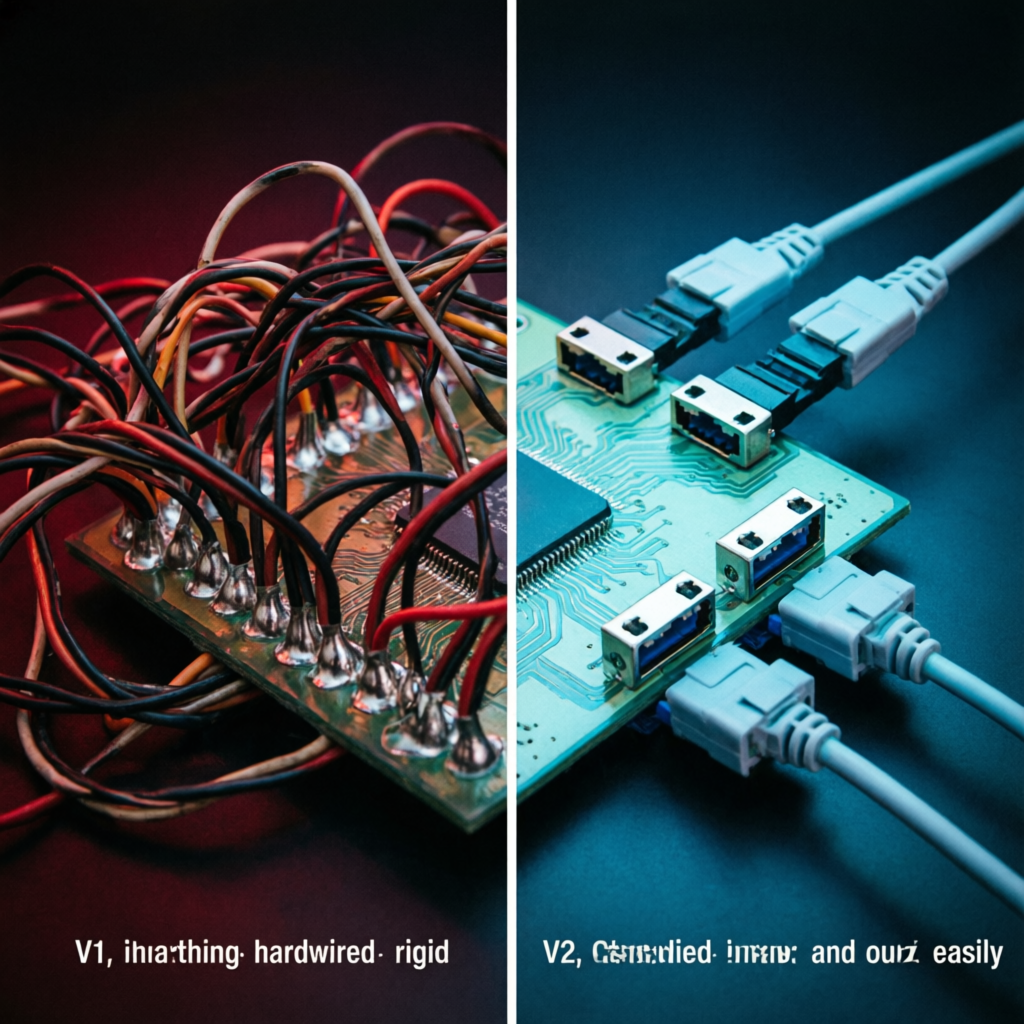
The first version of OPC extensions made exactly this mistake. Extension configs contained meta.nodes = ["code-review", "acceptance"] — meaning the extension knew OPC had a node called code-review and one called acceptance. If I renamed a node or added a new flow template, every extension would have to be updated.
One reviewer agent scored this design 2/5. The critique was sharp:
This isn’t a question of tech debt size — it’s about whether the architecture direction is right or wrong. With 3 nodes and 3 extensions it barely works; at 10 flows and 5 extensions you’ve got an N×M coupling matrix.
My first reaction was to push back — it’s just a few string changes, right? But I knew the reviewer was right.
Capability Contracts
Inspiration came from Linux’s POSIX capabilities mechanism and TypeScript’s structural typing: neither side knows the other directly — they only know a shared vocabulary.
The refactored design works like this:
Node side no longer says “I am code-review” but instead says “I need the capabilities code-quality-check and visual-consistency-check.”
Extension side no longer says “I run on the code-review node” but instead says “I provide the visual-consistency-check capability.”
Matching logic: if an extension’s provided capabilities intersect with the current node’s required capabilities, it fires. The core code is three lines:
const requires = new Set(ctx.nodeCapabilities ?? []);
const provides = ext.meta.provides ?? [];
const fires = provides.some(p => requires.has(p));
From then on, extensions don’t know any OPC node names. If I add a new node called post-launch-sim tomorrow, as long as it declares it needs user-simulation capability, all extensions providing that capability will automatically run on it. Zero extension code changes needed.
It’s like joints in the human body. Joints are the connection points of the skeleton — muscles attach to joints via tendons, not welded directly to the middle of bones. If you want to add a new muscle to an arm, you connect it to a joint — no drilling into bone needed. Bones stay intact, muscles can be swapped.
Joints are extension points. You can’t hang muscles in the middle of a bone. That’s the core metaphor of OPC’s extension system.
What an Extension Looks Like
Each extension is a directory under ~/.opc/extensions/:
~/.opc/extensions/
  design-contract/
    manifest.json    ← declares capabilities, hook points, dependencies
    prompt.md        ← prompt fragment injected into subagents
    gate-check.js    ← validation logic for the gate stage
The key decision in this structure: prompt and code are separated. prompt.md is for AI to read (“you must use a 4px spacing base, colors from this palette”), while gate-check.js is for machines to execute (screenshot comparison, color extraction, automated scoring). Both are provided by the same extension but act on different pipeline stages — one influences AI behavior before building, the other checks AI output during acceptance.
Someone might ask: capability names are free-form strings — what about typos? visual-consistency-check becomes vissual-consistency-check and runtime won’t error — it just silently won’t fire.
The fix isn’t runtime validation but governance. A file called CAPABILITIES.md lists all valid capability names. Adding a new capability? First add a line to this file. Governance through convention, not code — like HTTP status codes. 418 I’m a Teapot is defined in an RFC, not in the TCP stack.
Four Bugs That Made Users Rage-Quit
During the v1 to v2 refactor, four bugs were also fixed. Each looked minor alone; together they created a “click once and it explodes” experience.
.git directory loaded as an extension. Extension scanning logic listed all subdirectories under ~/.opc/extensions/. If a user git cloned the repo, .git/ entered the list. Then it reported “can’t find hook.mjs” and the harness crashed. Fix: skip dotfiles, require hook.mjs to exist. Two lines of code, should have been there from the start.
Hooks had no timeout. If a hook author wrote await new Promise(() => {}) (a promise that never resolves), the entire harness hung forever. Fix: Promise.race with a 60-second timeout — timeout means skip and warn.
Wrong return type from hooks crashed everything. promptAppend was supposed to return a string. But hook authors might accidentally return 42, undefined, or an un-awaited Promise. Fix: type guard — if the return isn’t a string, treat it as empty string.
normalizeHook had two implementations. Hook files supported three formats (historical reasons), and normalize logic existed in two copies — one in CLI for developers, one in runtime for users. The two fell out of sync; hooks that passed developer testing would crash for users. Fix: extract one canonical implementation, delete 70 lines of duplicate code.
These four bugs shared one trait: they didn’t affect the happy path. You’d never hit them developing your own extensions — you wouldn’t git clone your own extension, your hooks wouldn’t return wrong types, your normalize logic was the same copy you tested with.
But users would hit every single one. And they wouldn’t tell you — they’d just stop using it. A framework doesn’t die from bugs; it dies from “I can’t be bothered.”
Why Not Build a Full Plugin System
During the design process, AI made one valuable counterargument:
“Wouldn’t it be best to not design an extension system at all?”
This question deserved a serious answer. If every enhancement is small — a prompt snippet plus a check function — writing them directly into config files with convention over configuration might be simpler than a full manifest + registry + lifecycle system.
I ultimately stuck with the extension architecture. The reason was practical: OPC already had a three-year usage horizon, and I wasn’t the only user anymore. Without standardized interfaces, everyone would stuff their own hooks into the core, and within three months the core would become a junkyard.
But I also didn’t build a full plugin system. No plugin store, no version management, no dependency resolution. Those are “add when needed” features. For now: one directory, one manifest, one set of capability contracts.
40 unit tests prove the system works. 2 smoke tests prove extensions fire correctly in real flows. Not a lot, but enough to let me sleep well.
The framework’s skeleton has grown. Joints are extension points; you can’t hang muscles in the middle of a bone. This rule, starting from this version, is written into OPC’s DNA.
Silicon Workforce S1: The OPC Framework Evolution Previous: From ‘It Runs’ to ‘I Trust It’ <- Next: AI Works While You Sleep ->